


Date: Oct 29, 2016
Previously, I posted this Eero. I am using Eero at home. And I am still using it. I have not much control over the Eero, but my wife and I are happy about it. Because we have not have a break down since installation until now. Almost 6 months. It covers all my blind spot at home, and it works until now.
https://miniliew.org/2016/04/17/gadget-notes-smart-wi-fi-eero/
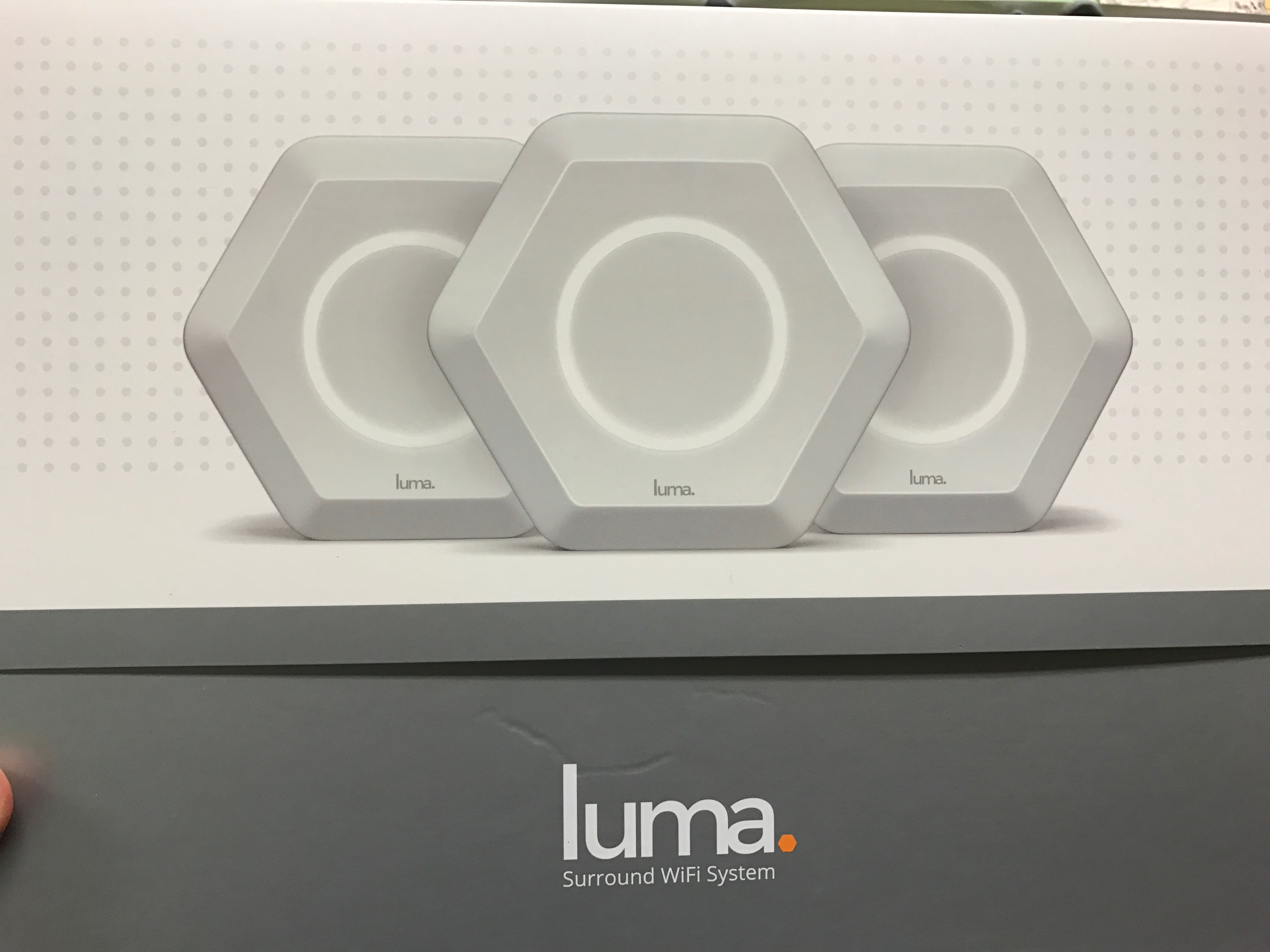
I also bought Luma at the same time I bought Eero. But the shipment came late. That is why I installed the Eero first. Have not had any chance to install the Luma to test it out until now.


What is it?
- It is NOT a router. You still need a router with excellent WAN-to-LAN speed performance. You don’t need to use the Wireless on that router.
- It is a Mesh Wireless. They called it Surround WiFi system in Luma.
- Means, they three WiFi device worked together to give you a single SSID.
- Means, it will covered your WiFi blind spot. At least do a better job than the existing solution. (I used 3x Apple AirPort Extreme and Express to do so, until it break down)
- Your iPhone or IOS devices only see 1x Single SSID, instead of 3x separate lines of SSID with a same name.
- When you roam around in your home, it intelligently switch you from one WiFi access point to another one seamlessly.
- The Luma came with Quad Core processor. It is faster than my Eero’s Dual-Core. But Luma also offer to do content filtering for the kids and family. That is why better processor is needed.
- Oh ya.. Amazon dump some money to invest in this Luma. So I guess, they did a throughout due-D before they invest bah.
Let’s unbox it.
Hexagon shape. Nice.

No manual. Simply turn on the first Luma.
So, turn off the WiFi of your router. And then, plug the Ethernet from the router to the first Luma.

Let’s do a speed test before you switch it to the Luma Wireless. Asus router has pretty decent WiFi too. But the one in our office, don’t know why it has gone mad. That is why I told my team to switch it to Luma as I have an extra unit with me in the office.
Setting it up is using the Luma App. Download it from App store and you can use it to detect your Luma.
This is before switching. Note the time 5:37pm.


Within 5 minutes, the Luma is set up.
Wait a minute, why the speed test is so low? See next for answers. 🙂

So, after installed the Luma, we did a speed test. And surprisingly, we got the same result.
Important Concept:
- Speedtest is not a good way to tell the performance of ISP or router.
- But if you use it to compare before and after, then, it will give you some indications of what happen.
- Different speed test will have different result. The speed test depends on where they place the speed server. So, if we use the usual speed test, you can test against your ISP as you can select the speed test server in the ISP. But for Luma, we do not know where they place the speed test server. It could be very far far away. That is why it shows a slower speed test result. It is due to location of speed test server.
- And I ever explain this before, the ISP will not give a damn on this speed test server. Normally, they will use a outdated, lousy equipment that has been retired from a service, and run as speed test server. So, if many people using it, there will be a choke point. hahaha
- So by right, you should get the similar result when you use the same App and same server to speed test to.
- So, Luma only will increase the coverage of your WiFi, but not increase the speed of the already fast network.

Specs.


A bit BS lor. You cannot control a lot of things. A lot of features are automated. hahahahaha But once it is setup, it will be stable.

It increase the coverage. So, places where you used to get slower speed because the WiFi bar is 1-2 now gets 3-4.

What Eero does not provide me is this. Luma comes with content filtering. You can configure in such a way that if you go to any unfamiliar web site, you will be notified and you can grant access.

One cool feature you ought to have if you have kids.

Security? Hmmm… make sense. If you cannot configure a lot of things, even if some people get hold of your iPhone, they cant do a lot of things. hahaha

We placed the 2nd Luma at the center of the office. As soon as you turn the power on, it will detect the first Luma and do its job, setting up the joint network.

And the 3rd unit on the conference table.

The App can tell you who is on the network. And you can set priority to any device.

So, all three Luma has been setup.

Immediately, Luma identifies some security threat, and ask you to attend to it.

That’s me. I can set myself a priority. hahaha

The office has been running Luma for almost a week now. And it runs well. 🙂


