


Date: Sep 13, 2011
Thanks to Larry Leong for the great tip!!
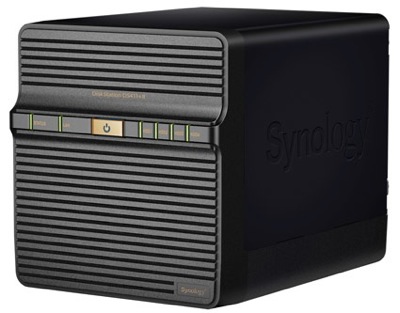
Today, I have upgraded my Synology DiskStation Manager to Firmware 3.2. And it is said to have enhanced performance on the Apple File Protocol (AFP). Let’s do a simple test and see if really leaps.

Using AFP – afp://DiskStation.local
I first transfered a 1.57GB file. Then, I transferred another huge movie file, that is 5.91GB big. As a result, I see huge performance enhanced for AFP protocol. It reached almost 90,000 KB/s at my home Gigabits network. i.e.
90,000 KB/s / 1024 K/M * 8 b/B = 703.125Mbps ====> WOW. That is FAST!
Look at the green one, I am transfering fresh new file from the NAS server. The red line is the upload of the same file and overwriting the same file at the same time. It is also quite decent.


Using SMB (Samba) – smb://DiskStation
So, I redo the process again by ejecting the AFP and reconnect the NAS using SMB (Samba). Transfering the 5.91GB file from the NAS and back to the NAS overwriting it.
Interestingly, the maximum that I can achieve is around 61,000 KB/s which is equal to 476.6Mbps

Conclusions
1. Previously, when I was running DSM 3.1, the Apple File Protocol (AFP) folder does not seems to impress me, that is why I used SMB instead.
2. Based on the simple test that I have done above and cross reference back to the same test I did before few weeks ago… i.e. http://miniliew.blogspot.com/2011/08/network-performance-2-is-gigabits.html . As you can see clearly, there is a huge performance enhancement in the AFP drive compared to the SMB drive.
3. I recommend to upgrade the synology to DSM 3.2. As usual, if can, backup everything to a non-NAS storage just in case before you do the upgrade.
3. After using DSM 3.2, I would recommend to use AFP to connect to the NAS (on a MacOS Lion platform) to increase the performance of the read/write of the NAS drive.
You will love it!


